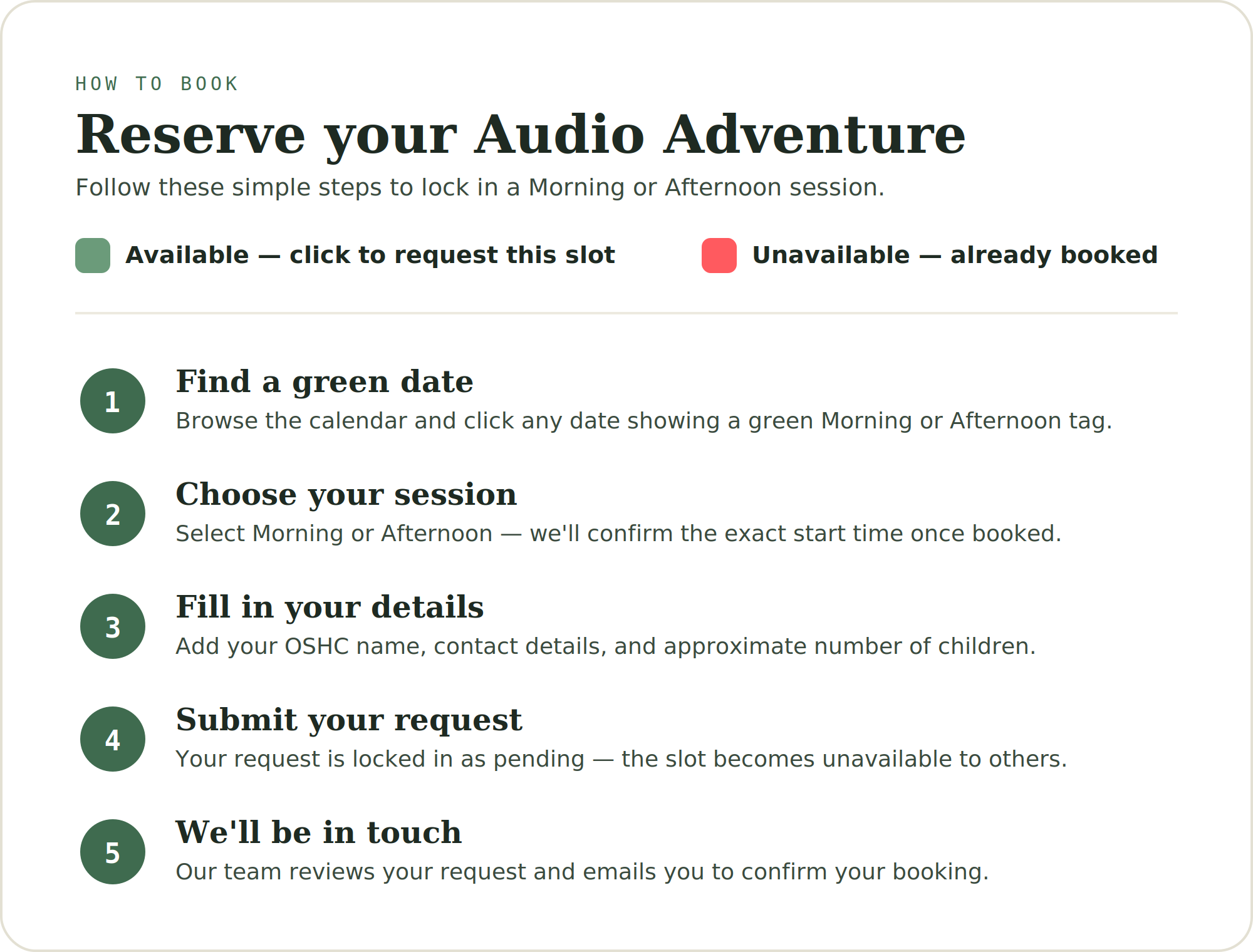
Schedule a Session
If you have any alternative booking requests, send us an email and we will get back to you shortly.
info@streetbeats.com.auEnter admin PIN
Access is shared by anyone with this PIN.
Settings
To have each booking email itself out automatically (no backend needed), this uses EmailJS — free at emailjs.com. Create an account, connect an email service, and make a template with these variable names: {{subject}}, {{location}}, {{oshc_name}}, {{visit_date}}, {{visit_slot}}, {{contact_name}}, {{contact_email}}, {{contact_phone}}, {{school_address}}, {{children_count}}, {{audio_theme}}, {{notes}}, {{gcal_link}}, {{to_email}}. Set the template's "To Email" to {{to_email}} and its Subject to {{subject}}. Then paste the three IDs below.
Want the booking to show up on your Google Calendar too? This works on EmailJS's free plan — just add {{gcal_link}} somewhere in this notification template's body (e.g. "Add to calendar: {{gcal_link}}"). It's a plain link that opens Google Calendar with the event pre-filled — one click and it's saved (using a placeholder time slot — you'll still confirm the exact start time separately). If you're on an EmailJS paid plan instead and would rather it show up as an actual invite file with an inline "Add to Calendar" button, you can alternatively go to the Attachments tab → Add attachment → Dynamic attachment → Parameter Name ics_attachment, filename booking.ics, content type text/calendar.
Leave these blank to skip automatic emails — bookings are always visible in the list below regardless.
This second template is used when you click "Confirm booking" below — it emails the school/OSHC directly to let them know their session is locked in. Create a second template in EmailJS using the same variable names, and set its "To Email" field to {{to_email}} as well (this time it'll be sent to the contact's own email instead of yours).
Upload a PDF of your current Audio Adventure theme options — visitors will be able to open it in a small popup window right from the booking form without losing their place.
Set availability
Click a date to choose which slots are open. Nothing repeats — every date is set one at a time.
Bookings